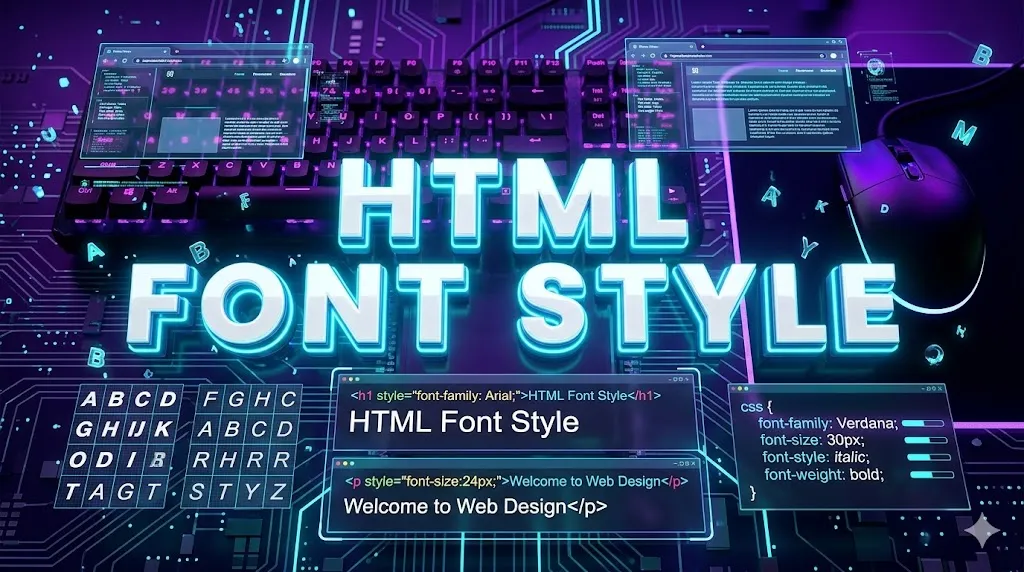
HTML Font Style
HTML Font Style controls how text appears on the page — including font family, size, color, weight and style. The old <font> tag is deprecated; modern web development uses CSS properties.
What is Font Style?
- Font style defines the typography of text — typeface, size, weight and style.
- The old
<font>tag is deprecated in HTML5. - Modern font styling uses CSS properties or inline
styleattribute. - Web fonts like Google Fonts allow custom typography on websites.
Why Style Fonts?
Visual Identity
Fonts shape a brand's personality and tone.
Readability
Right size and family make text easy to read.
Hierarchy
Different sizes/weights create clear hierarchy.
Web Fonts
Google Fonts adds thousands of free typefaces.
Accessibility
Large, clean fonts help users with vision issues.
Responsive
Modern CSS makes fonts scale across devices.
Font Style Syntax
- Family:
style="font-family: Arial, sans-serif;" - Size:
style="font-size: 20px;" - Weight:
style="font-weight: bold;" - Style:
style="font-style: italic;" - Color:
style="color: #333;"
Font Style Example
<!DOCTYPE html>
<html>
<body>

  <p style="font-family: Arial; font-size: 18px;">
    Arial 18px text
  </p>

  <p style="font-family: 'Times New Roman'; font-style: italic;">
    Italic Times Roman
  </p>

  <p style="font-weight: bold; color: #2563eb;">
    Bold blue paragraph
  </p>

</body>
</html>
Code Explanation
| HTML Part | Meaning |
|---|---|
| font-family | Sets the typeface (Arial, Times, Verdana, etc.). |
| font-size | Sets text size in px, em, rem or %. |
| font-weight | Controls thickness — normal, bold or 100-900. |
| font-style | Sets italic, normal or oblique. |
| color | Sets the text color. |
Font Properties
Use Cases
- Branding: Unique fonts strengthen brand identity.
- Body text: Use clean sans-serif fonts for paragraphs.
- Headlines: Bold display fonts attract attention.
- Quotes: Italic serif fonts add elegance.
Practice Questions
- Style a paragraph with
font-family: Verdana. - Make a heading
font-size: 32pxand color red. - Use Google Fonts to apply a custom font to your page.
- Combine font-weight and font-style for a unique heading.
Frequently Asked Questions
Is the <font> tag still used?
No, it is deprecated in HTML5. Use CSS instead.
How to use Google Fonts?
Import a font from fonts.google.com and apply it using font-family.
What is font-weight 600?
It represents semi-bold thickness. Values range 100-900.
Best font for body text?
Clean sans-serif fonts like Arial, Roboto or Inter.
Conclusion
Font styling sets the personality of your website. Use CSS properties for family, size, weight and color to create readable, attractive typography that strengthens your brand.
Additional Tips
- Use system fonts fallback: Always provide a fallback like sans-serif.
- Stick to 2 fonts: One for headings, one for body text.
- Use rem/em units: Better for responsive design.
- Avoid pure black: Slight gray text feels softer.